
Notion Won't Look Like a Notes App Anymore
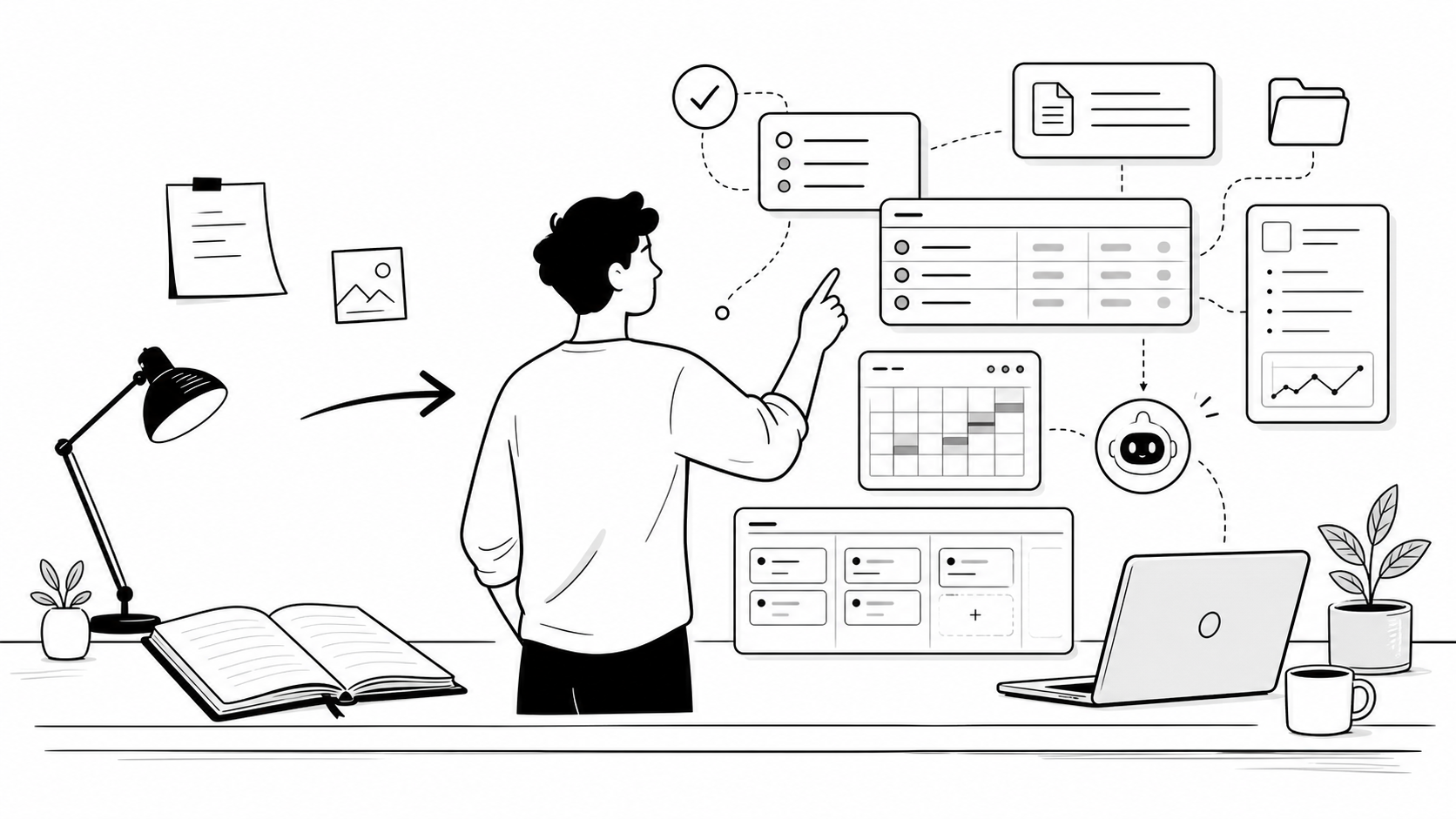
In the past, when I opened Notion, the question in my mind was: what should I write down today?
Now, looking at Notion's recent updates, I get a much stronger feeling:
It no longer wants you to just write things down.
It wants you to hand tasks over to it.
That may sound a little exaggerated, but if you connect Notion's recent updates together, the direction becomes very clear.
The old Notion was a place to put information in order.
The new Notion is becoming a place where information, tasks, external tools, and AI Agents work together.
This is not a normal feature update.
It is a change in identity for the entire category of notes apps.
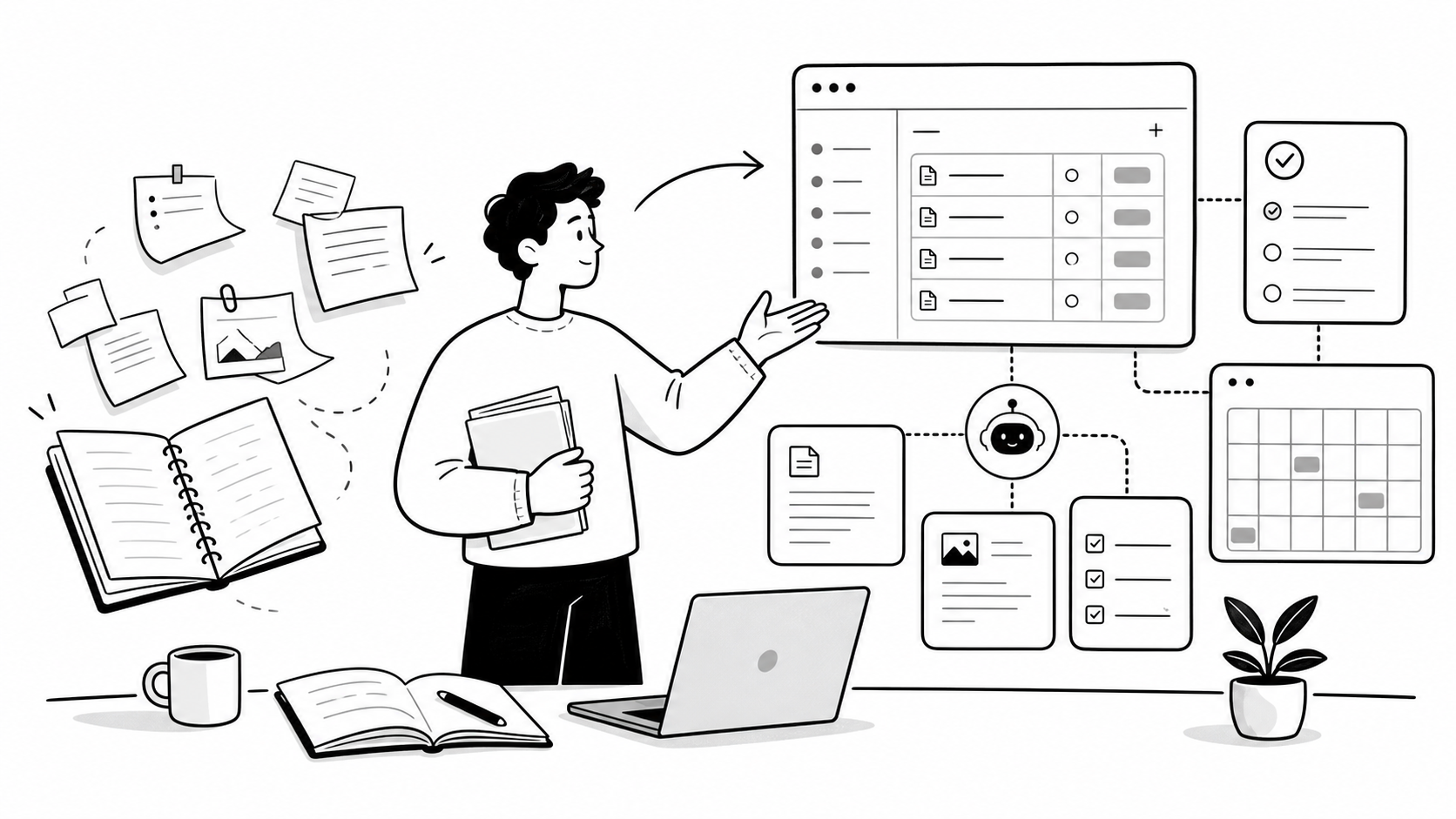
We Used to Treat Notion as a Beautiful Container
Many people did not fall in love with Notion because it was intelligent.
They liked it because it was free-form enough.
You could use it to write reading notes.
You could build a personal knowledge base.
You could manage projects.
You could organize course materials.
You could build a content ideas database.
You could even create a life dashboard that simply felt good to look at.
That was also the most attractive part of Notion over the past few years: it felt like a clean blank sheet of paper, but with databases, boards, calendars, relations, and templates added on top.
But at its core, the old Notion was still more like a container.
You did the thinking. It stored the results.
You did the organizing. It presented the structure.
You pushed the work forward. It recorded the progress.
So for many people, their Notion workspace eventually became a very beautiful warehouse.
More and more pages.
More and more complex databases.
More and more refined templates.
But the real questions did not disappear:
The materials are saved. Then what?
The meeting notes are written. Then what?
The project status is updated. Then what?
All those things you collected, clipped, archived, and tagged: did they actually help you get something done?
That was the boundary of the old Notion.
It was very good at helping you preserve information, but it did not actively help you move work forward.
Now It Is Becoming an Executable Workspace
The most important thing in Notion's latest wave of changes is not one isolated feature.
It is not just one more button.
It is not just one more database capability.
It is not simply that AI can help you rewrite a few sentences again.
The truly important part is this:
Notion is pushing itself from a "recording tool" toward an "execution space."
Look at what it is doing now.
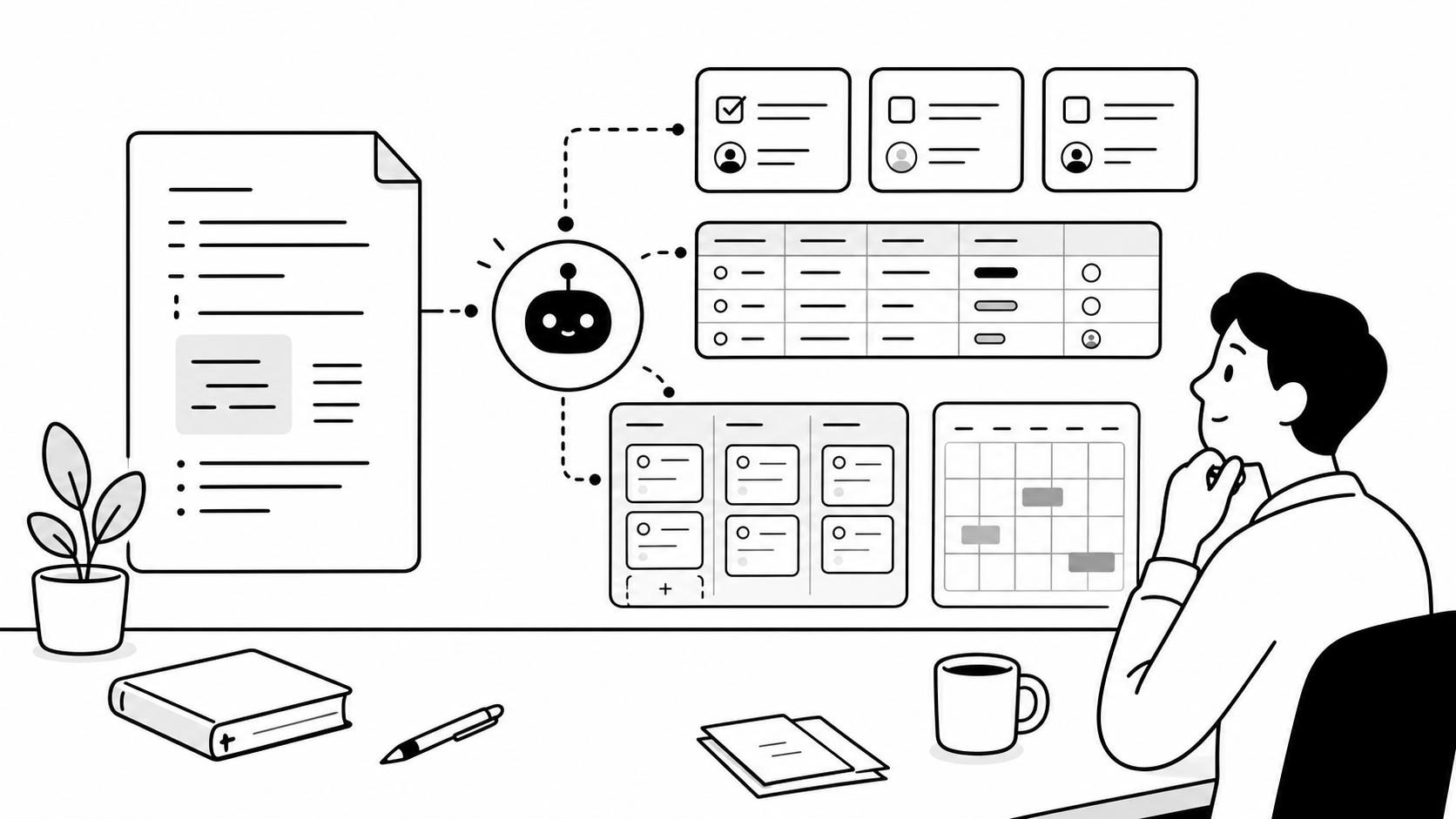
AI Agents can enter your workspace to organize pages, generate content, and update databases.
Custom Agents can be configured as fixed roles to handle certain types of repeated work.
Database Sync can bring data from external systems into Notion.
Workers allow developers and coding agents to run automation logic on top of Notion's infrastructure.
The External Agents API brings outside agents such as Claude, Codex, and Decagon into Notion.
The meaning behind all of this is straightforward:
Notion does not want to be only the place where you write things.
It wants to become the place where you assign work.
In the past, you opened Notion to write down an idea.
In the future, you may open Notion to say:
"Turn this meeting into tasks and update the project database."
"Find recurring patterns in customer feedback and categorize the problems."
"Prioritize this week's content ideas and generate a publishing plan."
"Pull the relevant materials from GitHub, Slack, and Drive into this project page."
At that point, Notion is no longer just a page editor.
It becomes the actual work site.
The Biggest Difference: From Recording to Moving Work Forward
A table makes this shift easier to see.
| Old Notion | Now and Future Notion |
|---|---|
| Record notes | Move tasks forward |
| Store materials | Understand materials |
| Organize manually | Classify automatically |
| Build templates yourself | Let Agents help build systems |
| Databases are static tables | Databases become workflow centers |
| Pages are content containers | Pages become AI-operable work sites |
| People operate around software | Software runs around human goals |
Traditional notes apps solved one problem:
Where should things be stored?
Now Notion wants to solve another problem:
How does the work move forward?
These are completely different questions.
"Where should things be stored?" tests your ability to organize.
You need categories, tags, folders, databases, and templates.
"How does the work move forward?" tests your ability to execute.
You need status, owners, time, context, triggers, automation, and feedback.
So Notion's change is not about becoming more complicated.
It is about moving from static to dynamic.
From a content container to a work system.
Agents Will Change Notion's Identity
When many people hear the word Agent, their first reaction is still "AI chatbot."
But the significance of Agents for Notion is not chatting.
It is operation.
A chatbot answers your questions.
An Agent receives your tasks.
There is a big difference between the two.
For example, if you ask a normal AI:
"How should I organize meeting notes?"
It may give you a method.
But if an Agent truly enters Notion, what it should do is:
Read the meeting notes.
Extract decisions.
Identify action items.
Find the related project.
Update the database status.
Mark the people who need to follow up.
It may even remind you again next week.
That is where the real imagination of a Notion Agent begins.
It is not that it writes better than ChatGPT.
It is that it is closer to your materials, projects, and tasks.
No matter how smart a general AI is, it does not know where your current project is stuck.
But if your tasks, meetings, documents, customer feedback, and content calendar are all in Notion, the Agent has context.
It is no longer just an "answerer."
It starts to resemble an assistant that understands your workspace.
Once External Data Comes In, Notion Is No Longer Just a Knowledge Base
In the past, when we used Notion as a knowledge base, there was always a major problem:
You had to move materials manually.
Discussions were in Slack.
Files were in Google Drive.
Issues were in GitHub.
Customer feedback was in email.
Meetings were on the calendar.
The real work information was scattered across different tools.
Notion was only one warehouse among many.
But with capabilities such as Database Sync, AI Connectors, Enterprise Search, and External Agents, the direction changes.
Notion is no longer satisfied with waiting for you to copy materials into it.
It wants external data to flow in automatically.
This matters a lot for enterprise teams, and it is also a useful signal for individual users.
In the future, Notion's value may no longer be just that "the pages look good."
It may be whether all your context can converge there.
A customer page is not just a customer profile.
It may connect emails, meeting notes, quotations, past feedback, project progress, and the next follow-up.
A content idea is not just a title.
It may connect materials, reference links, publishing time, platform status, image assets, and review data.
A project page is not just a project description.
It may connect code commits, design drafts, meeting notes, task cards, and risk alerts.
This is the key to Notion's shift from knowledge base to work layer.
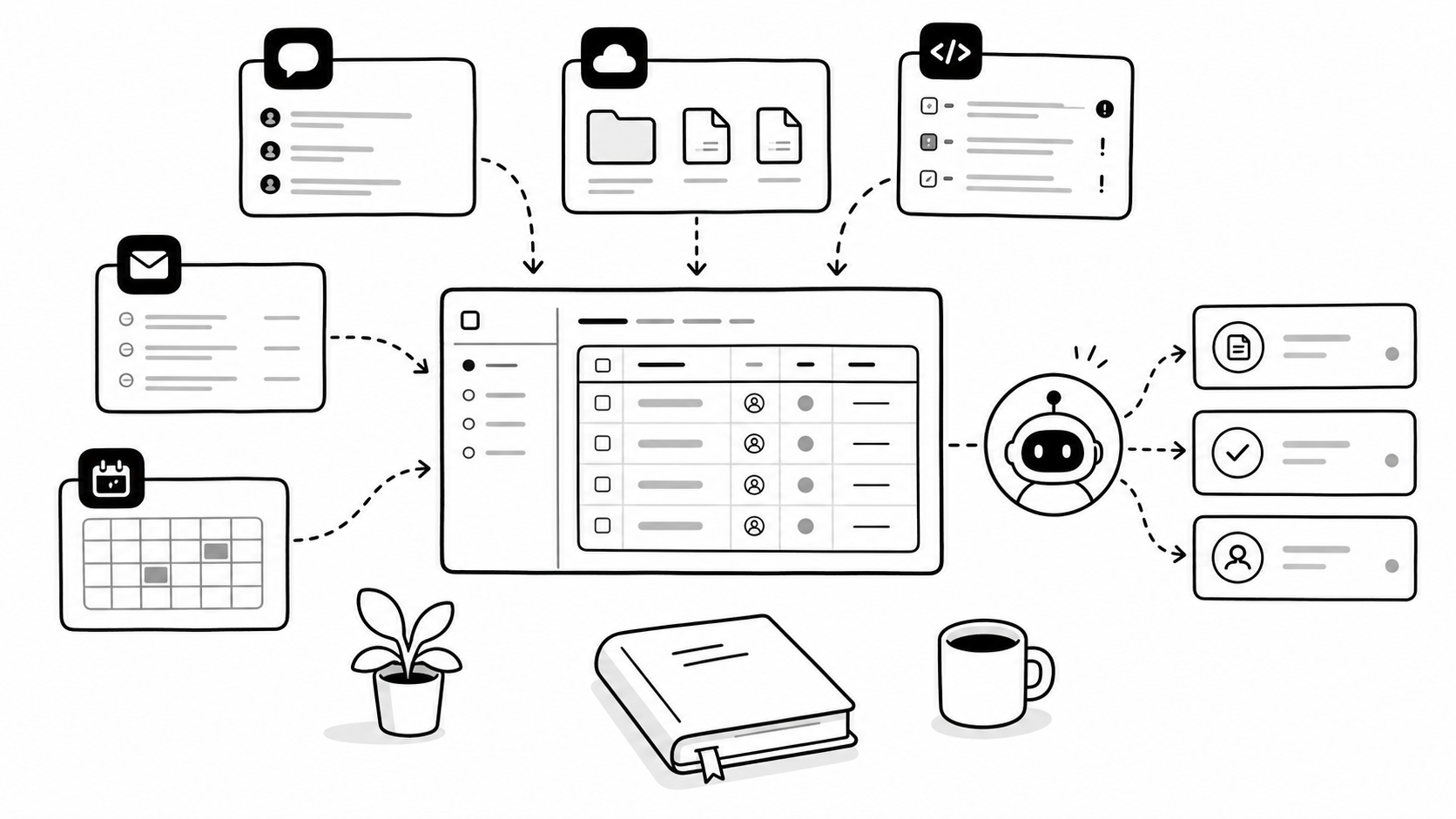
A knowledge base answers: "What do I know?"
A work layer answers: "What should I do next?"
Future Notes Apps May Become the Entry Point for AI to Understand You
We can take this idea one step further.
Future notes apps will not only be written for people to read.
They will also be written for AI to understand.
In the past, we organized notes so we could find them later.
In the future, we will organize systems so AI can continue the work.
When you categorize customers properly, AI can know who matters.
When you write project status clearly, AI can know where things are blocked.
When you put materials into the right relationships, AI can call them at the right time.
When you break tasks down into concrete actions, AI can know whether the next step is executable.
This means the truly valuable Notion workspace of the future may not be the one with the most pages or the prettiest templates.
It may be the one whose structure is clear enough for AI to understand, and whose workflow is explicit enough for AI to take over.
This is the most important point in the identity shift of notes apps:
They are moving from memory tools for humans to interfaces where humans and AI work together.
In the past, you wrote notes to remind yourself.
In the future, you maintain your workspace so AI can understand you better.
What Ordinary Users Will Actually Feel
If you are just an ordinary user, you do not need to care too much about terms like Workers, APIs, or External Agents.
These words sound technical right now, but they will eventually turn into very ordinary experiences.
For example, if you create content.
In the past, you built a content database in Notion to record ideas, titles, materials, and status.
In the future, you may ask an Agent to organize your ideas every week, classify materials, remind you which articles are stuck in drafts, which ones are ready to publish, and which old posts are worth rewriting.
For example, if you do personal knowledge management.
In the past, you collected articles, wrote reading notes, and created tags.
In the future, you may ask an Agent to rebuild a learning path based on your recent goals, connecting related notes, book excerpts, articles, and tasks.
For example, if you manage customers.
In the past, you manually recorded customer needs, communication progress, and delivery status.
In the future, you may ask an Agent to generate follow-up reminders automatically based on emails, meeting notes, and the project database.
For example, if you manage your life.
In the past, you built a "life system" template with health, finance, learning, travel, and family inside it.
In the future, what is truly useful may not be the template itself. It may be that when you say, "I've been feeling scattered lately," the system can help you find which tasks have dragged on too long, which plans have not moved forward, which promises are close to expiring, and which materials are already ready even though you have not acted on them.
That is the most moving part of this change.
It is not that you get a prettier piece of software.
It is that you may gain a workspace that understands your current situation.
But Notion Will Also Become Heavier
Of course, this direction does not come without cost.
The more Notion becomes a work system, the less likely it is to feel as light as before.
It will become more powerful, and it will also require more management.
For ordinary users, more features mean higher learning costs.
For teams, questions such as what Agents can see, what they can change, how many credits one task consumes, and whether the results are reliable all need to be managed.
For individual creators, the truly advanced automation features may increasingly move into paid plans.
So this article is not saying that everyone should immediately make their Notion setup complicated.
Quite the opposite.
The more important ability in the future is not stacking more features.
It is describing your own workflow clearly.
Where do your materials come from?
How do your tasks move?
What content needs to be preserved?
Which actions can be automated?
Which results must be confirmed by a human?
Once these questions are clear, Notion can become a real helper.
Otherwise, it will only become a more expensive, more complicated, and harder-to-maintain warehouse.
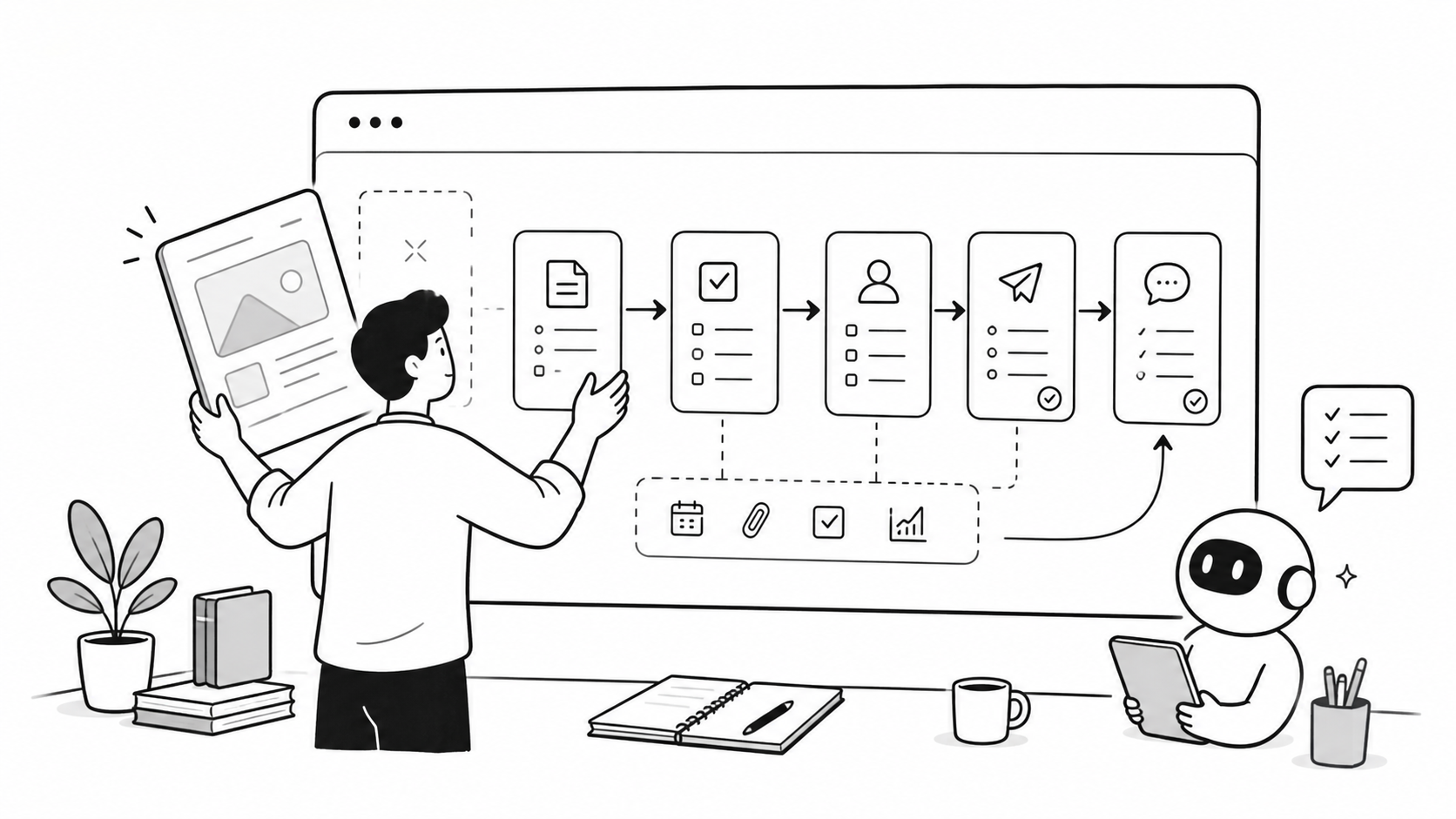
What Is Really Worth Redesigning Is Not the Template, but the Workflow
If you are already using Notion, I suggest you do not rush to chase every new feature.
First, look at your workspace again.
First, do not treat Notion only as a materials warehouse.
For every important page, ask one question:
What action is this page ultimately supposed to push forward?
Second, do not only build beautiful templates.
Whether a template looks good is not the key. Clear fields are the key.
Status, time, owner, priority, and related materials are what determine whether AI can understand you later.
Third, do not chase complex automation right away.
Start with low-risk workflows.
Weekly reports.
Meeting notes.
Content scheduling.
Customer feedback.
Reading summaries.
These tasks are repetitive, clear, and low risk. They are the best places to start testing with Agents.
In the future, the best Notion workspace may not be the one with the most pages or the prettiest templates.
It may be the one where, when you say one sentence, it knows where to find the materials, which table to update, and where to deliver the result.
The next stop for notes apps is not better recording.
It is better action.